Anyone who collects video for a reason — a course to work through, talks for a project, references for a build — hits the same wall. The good stuff is scattered across platforms, and each platform's playlist feature refuses to acknowledge that the others exist.
LinkLyst stores links, not platform video IDs, so the question never comes up. Whatever the URL points at, it can go in the same playlist, in the order you choose.
Saving a video
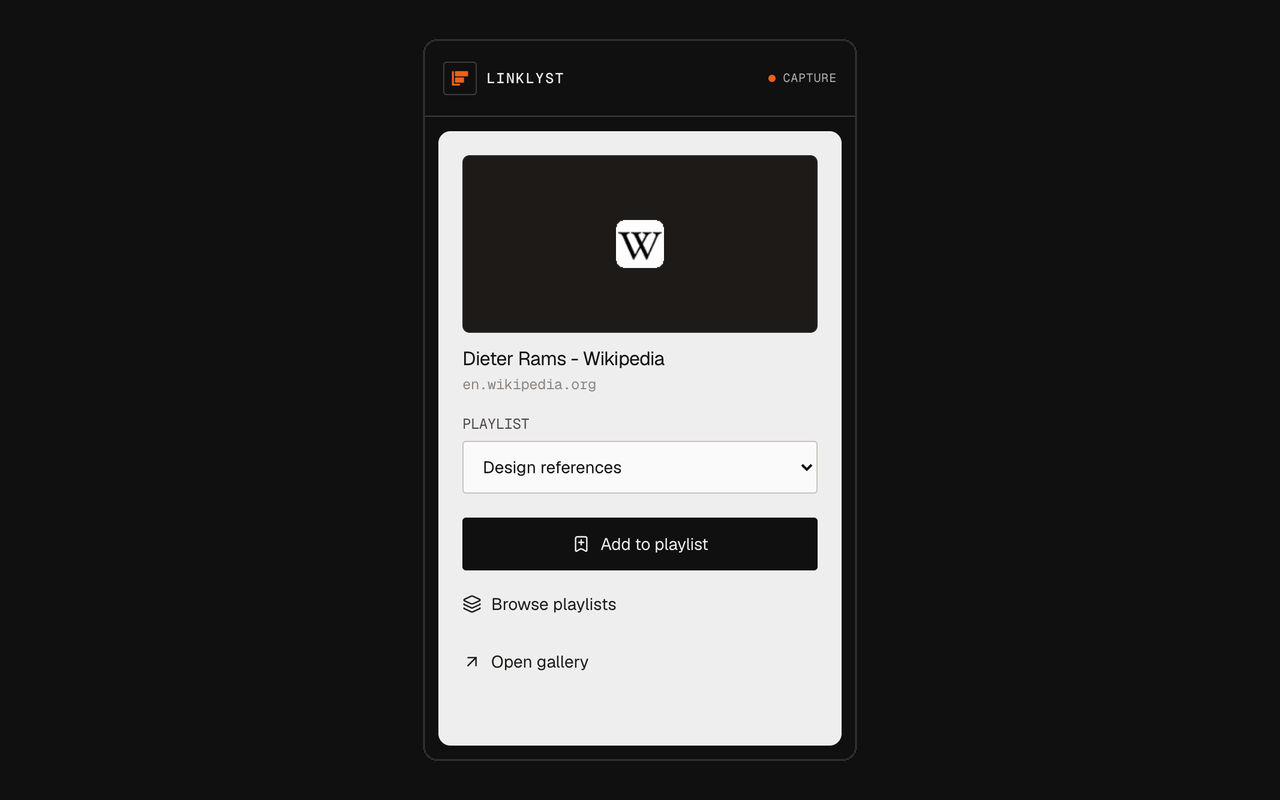
From the page. Click the toolbar icon while a video page is open. LinkLyst reads the real title and thumbnail — for YouTube and Vimeo it uses each site's own oEmbed endpoint, so you get the publisher's title rather than a truncated tab label — and files it into the playlist you pick.
From a link you have not opened. Right-click any link, or a direct video or audio URL, and save it straight from the context menu. This is the fast way to work through a page full of talks: right-click each one, keep reading, never load a single player.
No Google account involved
A YouTube playlist is a record on YouTube, attached to your Google identity, visible in your account history and subject to YouTube's rules about what may stay in it. A LinkLyst playlist is a row in your own browser's storage. Building one needs no account of any kind — not a Google account, and not a LinkLyst account, because the second thing does not exist.
Watching, of course, still happens on the original site under that site's terms. LinkLyst is where the list lives, not where the video plays.
It never plays anything itself
This is deliberate and worth being explicit about. LinkLyst does not download videos, does not re-host them, does not embed them in a frame, and has no built-in player. Clicking a saved item opens the original page in a new tab.
Extensions that wrap other people's video in their own player take the view away from the creator, and they break the moment a platform changes its embed rules. Opening the real page is both the honest option and the one that keeps working.
Ordering a queue by hand
Course material has a correct order, and it is rarely the order you found it in. Playlists are manually ordered, with reorder controls available on an unfiltered playlist. Sorting a view by date or title to find something never rewrites the order you set.
One video can also sit in several playlists at once — a talk can be in Watch this weekend and in References for the redesign without being saved twice.
What you should expect from previews
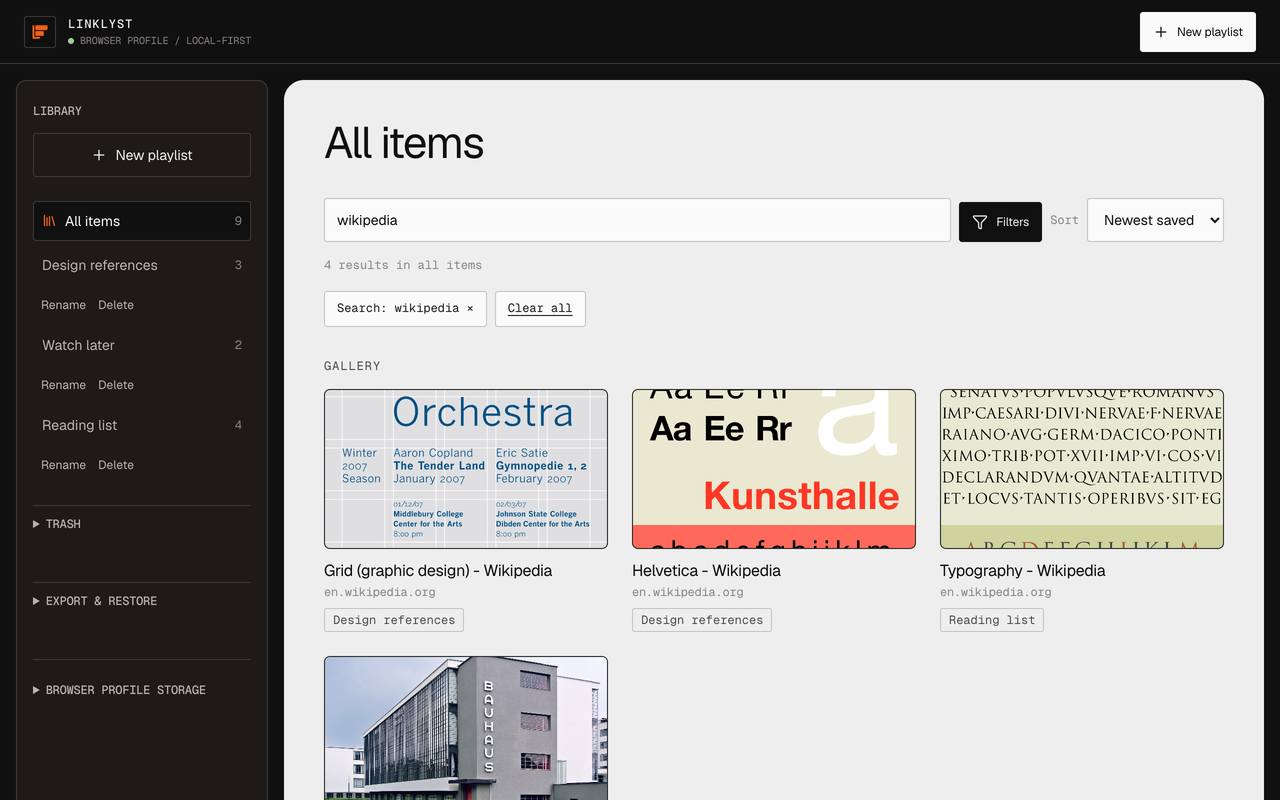
Honesty is more useful here than a promise. YouTube and Vimeo links get a real title and thumbnail through their oEmbed endpoints. An ordinary page with OpenGraph tags gets its title and preview image. A site that publishes neither gets its page title and a preview generated locally from its domain name — a plain tile rather than a broken image. Login-gated sites, Instagram in particular, will usually give you only that placeholder, because a signed-out request sees nothing.
Every one of those metadata reads is bounded: a six-second whole-response timeout, an allowlist of content types, a 512 KiB ceiling on HTML. If a fetch fails, the item still saves, titled with its domain. Nothing blocks a save.
Build the playlist the platforms will not let you build
Free, no account, no telemetry. YouTube, Vimeo, and everything else in one ordered list.
Chrome, Firefox & Chromium · Manifest V3